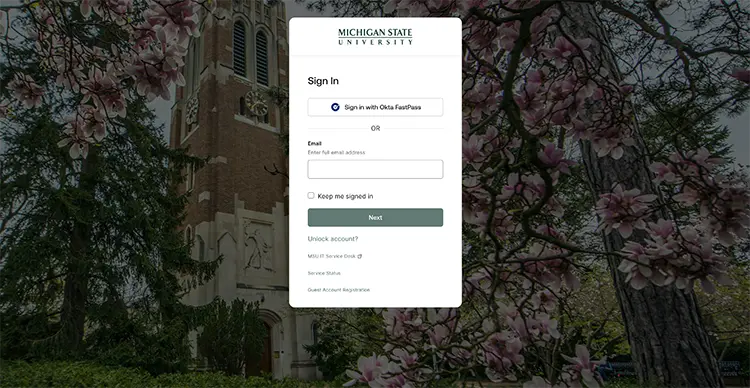
Log in to the EBS Portal using your MSU Net ID and password. (Note: In order to use this application, your browser must accept cookies.)
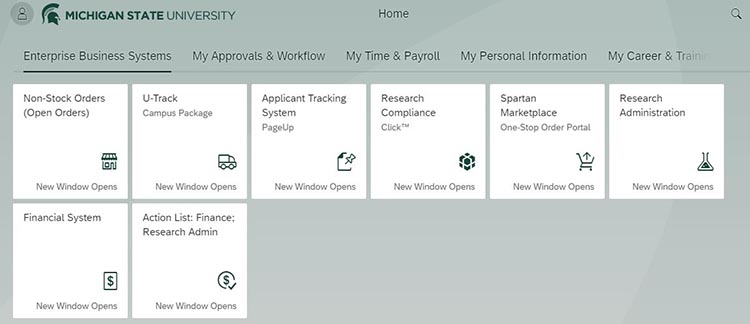
Click on the My Personal Information tab at the top of the screen.
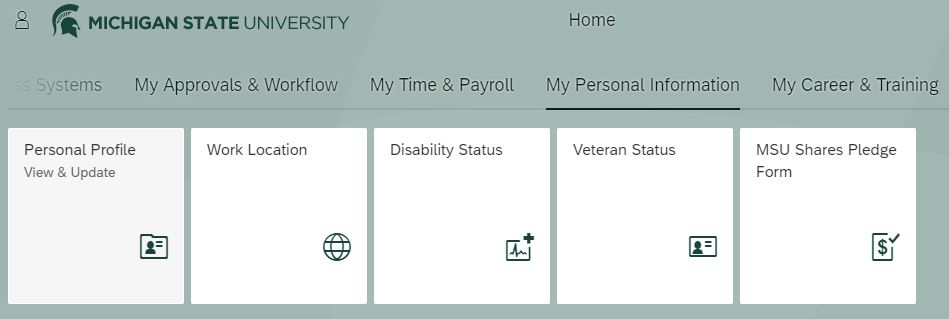
Click on the MSU Shares Pledge Form Box.
- Fill out the Pledge Form:
- Enter the total amount you would like to pledge for the year in the TOTAL GIFT AMOUNT field, or choose the 'No Thank You' option.
- Choose a payment method. Please note:
- Payroll deductions will not start until January of next year.
- For cash or check donations, make the appropriate selection and submit your pledge, then follow the instructions on the confirmation screen.
- A new site has been created for MSU to handle donations being paid by credit card, which has a minimum $5 donation.
- Donations that have a payment option of 'Bill me' will be processed by the Capital Area United Way (CAUW)
- If you would like to continue your pledge for future years, check the box next to 'Please renew my gift each year.' If this option is chosen, you will receive an email reminder of your pledge each year and no action is needed unless you want to change it. Your pledge will continue for the same amount and the same designations.
- If you choose to designate your donation, please see Options 1, 2, and 3. For Options 2 and 3, a minimum $50 is needed for each organization chosen.
- To get more information on the specific organizations, click on 'More Organization Information' or see the Giving Options web page.
- If you are not sure that you have designated your entire gift, you can calculate how much you have remaining by clicking on the 'Calculate' button next to the 'Remaining amount to Designate' box.
- When you are finished, click the 'Submit Form' button at the bottom center of the screen to process your pledge.
- A confirmation screen will appear. You will also receive a confirmation email, sent to the email address displayed for you.
- To change your form, click the Modify Form button on the left side of the screen. This will bring up the screen you have just submitted.
- Click View Form PDF to view the form in print format.
- Click Exit to return to the University Information tab.